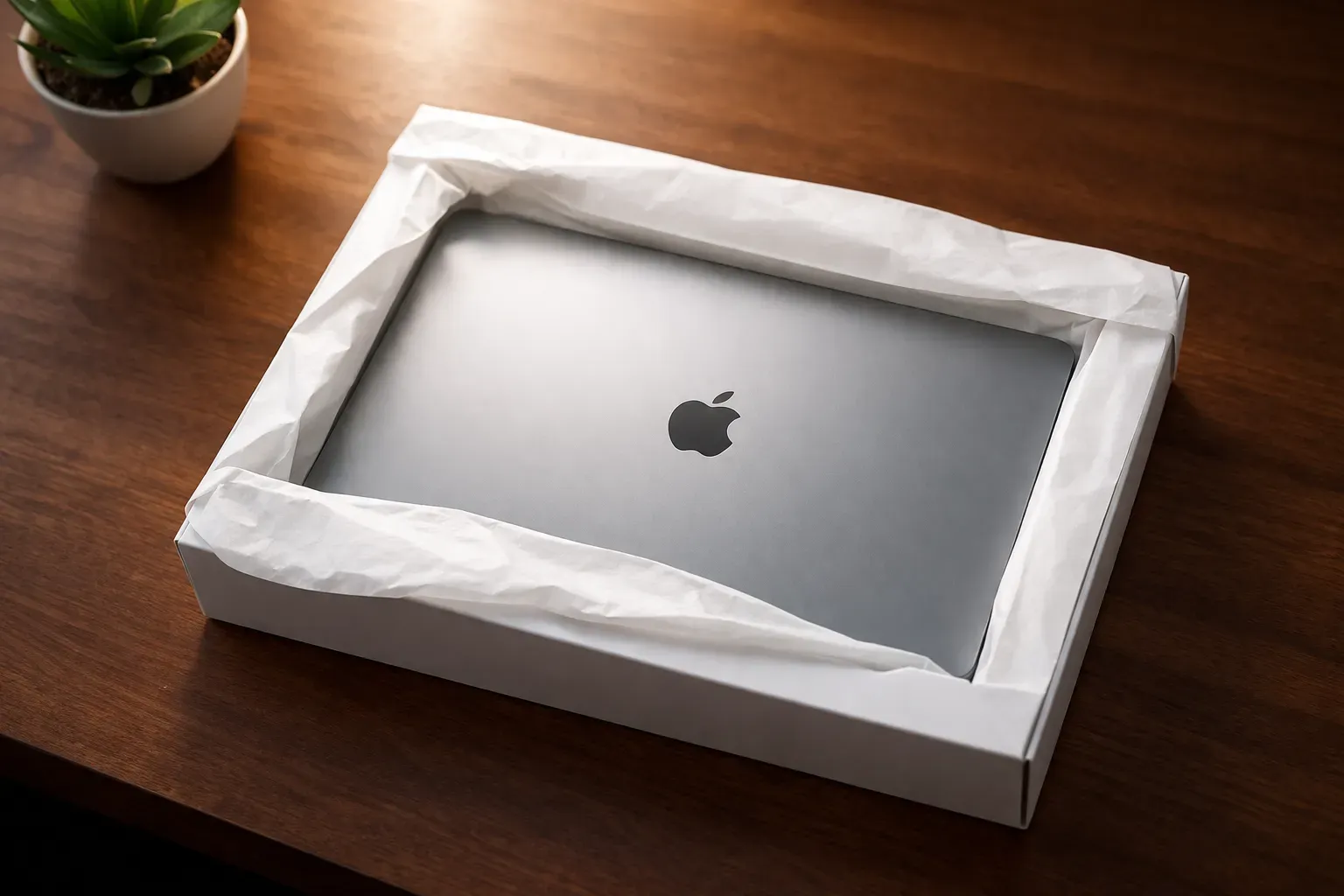
New Mac Setup: Everything I Install First
A personal checklist of every tool, config, and brew install I need on a fresh Mac before I can get back to work.

Every time I get a new Mac, I spend the first day hunting through my memory trying to remember what I installed. This is that list — my personal setup checklist, written down so future me doesn’t have to guess.
Password Manager: 1Password
Install this first. You’ll need it for everything that follows.
1Password stores all your credentials, SSH keys, API tokens, and secure notes in one place. Getting this set up before anything else means you won’t be copy-pasting passwords from your phone mid-install.
Package Manager: Homebrew
Homebrew is the missing package manager for macOS. Most of what follows gets installed through it.
Browser: Chrome
Download Chrome. Sign in and your extensions, bookmarks, and settings sync automatically.
Editor: VS Code
Download VS Code. Sign in with your GitHub account to sync your extensions and settings via Settings Sync.
SSH Key for GitHub
Before you can clone any private repos, you need an SSH key added to your GitHub account.
Follow GitHub’s official guide — it covers key generation, adding it to the SSH agent, and adding the public key to your account.
Git
brew install git
git config --global user.name "Your Name"
git config --global user.email "your@email.com"
Shell Profile (.zshrc)
I keep my .zshrc in a GitHub repo so I can pull it down on any machine and be back to my aliases, PATH config, and prompt customizations immediately.
git clone git@github.com:codecodeio/zsh.git ~/zshDev Tools
brew install node      # JavaScript runtime
brew install pnpm      # Fast, disk-efficient package manager
brew install webp      # Convert images to WebP format
brew install tlrc      # tldr: simplified man pages for any command
Let Claude Do It
If you have Claude Code installed, you can paste this prompt and have it run every install command for you:
I just got a new Mac. Please run the following setup commands in order:

1. Install Homebrew: /bin/bash -c "$(curl -fsSL https://raw.githubusercontent.com/Homebrew/install/HEAD/install.sh)"
2. Install git: brew install git
3. Install Chrome: brew install --cask google-chrome
4. Install VS Code: brew install --cask visual-studio-code
5. Install node: brew install node
6. Install pnpm: brew install pnpm
7. Install webp: brew install webp
8. Install tlrc: brew install tlrc
9. Configure git with my name and email — ask me for these before running.

After each step, confirm it succeeded before moving to the next.

Note: Install 1Password manually from https://1password.com/downloads/mac/